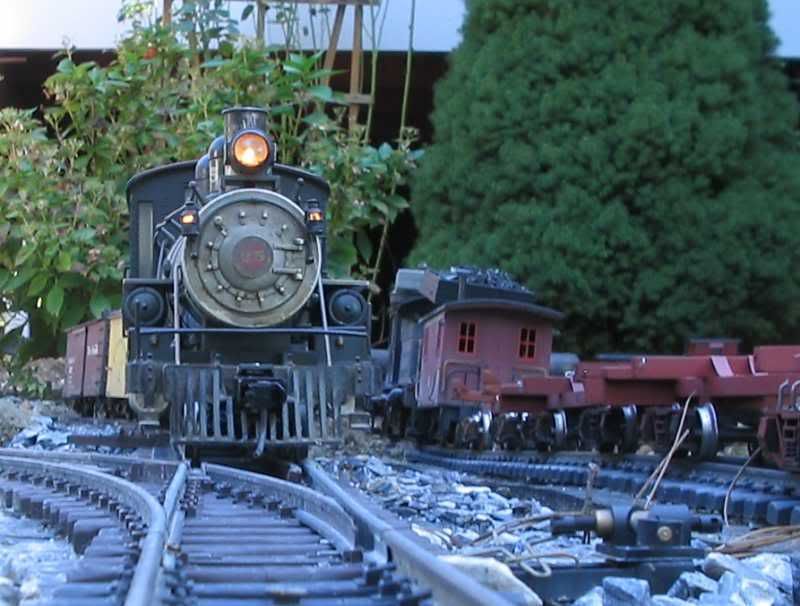
Having a problem posting pictures. Pardon this test post.
" target="_blank">
" border=“0” alt=“Photobucket”>
Having a problem posting pictures. Pardon this test post.
" target="_blank">
" border=“0” alt=“Photobucket”>
Photobucket has a “direct link” window either below or beside the picture. Just right click on that to highlight it and “copy” the link, then “paste” it where you want it. It will leave out all that extra “html” code. On an album page it’s a “pop-down” window that appears under the photo. If it doesn’t appear on your page, you can set it up to do that in your “account options” section. But it looks like you may have figgered it out. http: //i253.photobucket.com/albums/hh58/rgseng/rgs008.jpg will equal this: